The example is fictional, with no actual customer outcome or assessment award. The roadmap reflects the founding program; your personal offer confirms the exact terms.
SEE HOW TO START
Optional program overviews.
Watch an overview, then prepare your first practical task. English captions are available. You can also read or download the full transcript.
Welcome to NeoAistriq Academy
A fictional example shows how your experience, the two tracks and human reviews fit together.
Meet Maya. She knows what happens when a support ticket reaches shipping with no order ID.
Her first AI draft routes the ticket anyway. Maya tests it, then makes the workflow ask for the order ID first.
She brings both results to a human reviewer. Now she can show what improved and explain why.
The practitioner track covers discovery, configuration, and evaluation. The engineering track adds coding, integrations, debugging, and deployment.
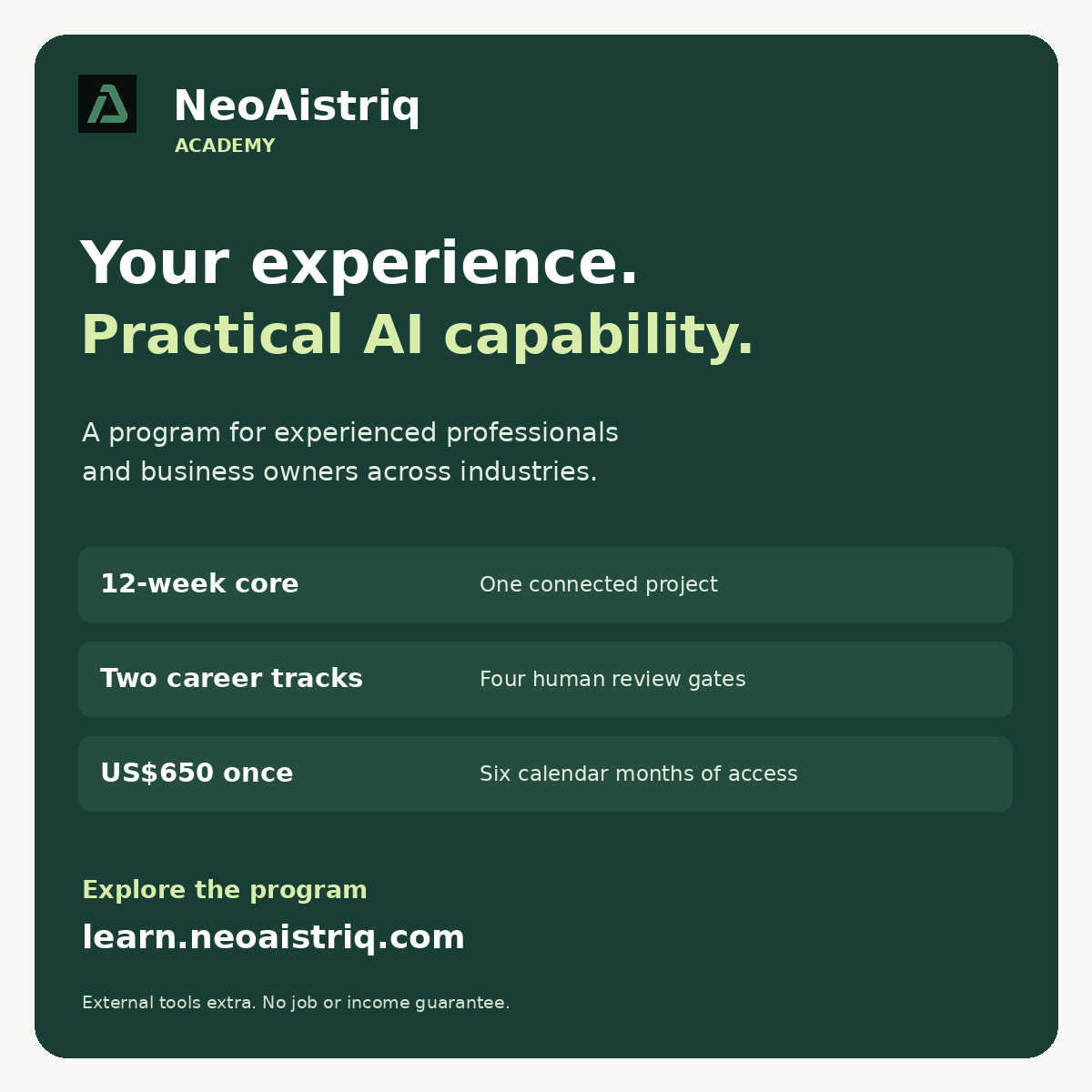
Over twelve core weeks, build one project. Practice with the AI coach and verify its output. Get human review, a live capstone, and three shared clinics.
Sign in with your email code, save your profile, and follow your enrollment steps. Once your access is active, pick a workflow you know.
Start with one familiar task. Choose your first workflow in NeoAistriq Academy.
Choose one repeated task you understand. Write who needs the result, what goes in and what must come out. Use fictional records or data you are explicitly allowed to use. Keep the first attempt draft only.
Complete the task manually and record your time. Try AI with the same inputs. Check every important fact, date and number. Count checking and correction time. One good example is practice, not proof of reliability.
Save the input, instructions, output, corrections and limits. Explain your own contribution. Follow the next action in your workspace and submit at the required review gate. If blocked, use Academy support. Never share passwords, API keys or confidential customer records.
Animated program guides with synthetic narration, not founder recordings or app screen recordings. Your accepted personal offer confirms your exact program terms.
Laptop, reliable internet, microphone and headphones. Hosted AI tools avoid any GPU requirement.
Time commitment
Plan for 6–10 hours weekly. Agree a slower schedule before enrollment if needed.
Your professional accounts
Sign in with an email verification code. Academy sign-in is separate from tool practice. Bring your own ChatGPT account for the ChatGPT labs. The in-app coach does not require your API key. Custom MCP access depends on your ChatGPT plan and workspace permissions; confirm access before purchasing an upgrade. Engineers need GitHub, an editor and Node.js 22+ for the starter and MCP lab. Practitioners can use browser tools and supervised MCP practice without installing Node.js.
Synthetic data only
Do not upload confidential employer, customer, identity, financial or medical records. Remove irrelevant personal details from your résumé.
Tool spending
The in-app AI coach has a daily allowance. External AI subscriptions, API usage, hosting and optional voice services are separate unless your accepted offer explicitly includes them.
Tools and responsibility
Tool
Responsibility
Cost and use
Academy coach and lab
NeoAistriq
Included within the displayed allowance Guidance, feedback, synthetic tool practice and saved evidence.
GitHub and a local editor
Learner
Choose an appropriate account and editor; no paid tier required for the starter Required for engineers to show what they built; optional for practitioners.
Node.js 22+
Learner
No subscription Engineering track: run the downloadable REST/MCP starter and tests. Not a prerequisite for browser-based practitioner exercises.
ChatGPT account
Learner
Start with available basic features; paid/custom MCP features depend on plan and workspace access Required for direct ChatGPT practice. Your chat subscription does not include API usage. Confirm custom MCP permissions before upgrading.
API and hosting environment
Agreed in offer
Usage-based, with explicit limits Needed for an external deployed capstone; the built-in mock lab works without this purchase.
ElevenLabs voice environment
Learner or partner sandbox
Optional; confirm eligibility and allowance first Voice extension in week 8. A text-channel equivalent remains available.
Record your plan, workspace role, approved training account, exact actions available and spending limit. Check the actual tool list before planning a write.
For custom MCP in ChatGPT, Pro supports read/fetch. Full MCP on web requires an eligible Business or Enterprise/Edu workspace and authorization. In the current Plugins interface, use Add custom MCP server with an approved HTTPS endpoint or Secure MCP Tunnel.
For an existing signed-in desktop tab, verify the desktop app, supported browser extension and site permission. Check the approved sandbox separately.
If access is missing, use the local engineering starter or arrange supervised execution with a technical partner. Use fictional cases to practise design while waiting. Keep simulations separate from observed results at the practical review gate.
Use the fictional accounts in the Academy delivery lab or the downloadable starter. This exercise needs no external course or evaluation service.
Open evaluation.csv in the starter archive. Before running anything, predict outcomes for an allowed read, a restricted read, a write without approval and a repeated approved write.
Run each case. Use the lab results or run node --test and the starter’s documented client. Record actual outcomes and retain sanitized traces. Check the stored outcome when testing a retry.
Keep unauthorized reads and writes, and duplicate changes, in a separate critical-failure column. Investigate any critical failure before recommending release.
Hold back one changed-input case. In Week 10, rerun after one controlled change and compare results against the same criteria.
Keep the completed CSV, expected and actual outcomes, relevant traces and your release decision with your project evidence.
Use your own ChatGPT account. Start with available basic chat and document features; check limits before upgrading.
Create a separate project conversation with synthetic records from your plan. Define the user, source boundary, output format and escalation rule.
Ask one supported question, one unknown question and one conflicting-source question. Save the actual responses and citations.
Compare an unstructured request with your revised instructions. Identify a remaining failure and explain how you would test it.
Required evidence: Submit your prompt, three observed outputs, source mapping, revision and a short explanation in your own words.
Week 3 · Lab 2: Use a connected app in ChatGPT
Both tracks
Use an app available to your ChatGPT account. Permissions and features vary by plan. Only connect an account you own or are authorized to use.
Choose a read-only connection to a synthetic document or training folder. Inspect the permissions before connecting. Do not authorize company-wide data access for a practice exercise.
Ask ChatGPT to retrieve a specific synthetic fact, cite its source and distinguish a missing result from an unavailable connection.
Disconnect or restrict the connection, retry the request and record what changes. Do not use a live write action in a real business system.
Required evidence: Submit the app used, permission scope, observed retrieval output, citation and a denied/disconnected result. If access is unavailable, record that blocker and complete a supervised equivalent; do not claim a successful connection.
Week 7 · Lab 3: Discover and call MCP tools
Engineering required; practitioners use a supported hosted or supervised client
The downloadable Node.js 22+ lab uses MCP 2025-11-25 compatibility and works locally without an OpenAI API key. Connecting it to ChatGPT requires an eligible account and an authorized remote HTTPS endpoint or Secure MCP Tunnel.
Engineers: run node --test, then LAB_TOKEN=<local training value> node mcp-server.mjs and run the provided mcp-client.mjs in a second terminal with the same local token. The README explains supported protocol scope.
Inspect tools/list before calling read_service_status and create_support_ticket. Compare the declared input contracts with actual outcomes.
Test an allowed read, denied account, missing approval and a repeated idempotency key. Capture the actual tool trace and distinguish protocol errors from business denials.
Practitioners: complete the same discovery and outcome review in an available approved MCP client or a supervised clinic. Identify the actor, permissions, approval and handoff. Custom MCP access must be confirmed before promising the clinic.
Required evidence: Submit tool discovery, four observed outcomes, permissions, approval evidence and an explanation of a retry. A simulated plan alone does not satisfy the engineering MCP exercise.
Your personal ChatGPT subscription and OpenAI API billing are separate. The in-app coach uses NeoAistriq-provided API access within its allowance.
Draw the boundary between the ChatGPT user interface, MCP client/server, model API, application backend and system of record.
Explain where credentials, authorization, approval, usage limits and audit records live.
For engineers, demonstrate one server-side model request in your own approved environment and document cost/response time. For practitioners, explain the configuration and engineering handoff using observed lab evidence.
Required evidence: Submit an environment diagram, tool ownership/cost sheet and a failure/rollback plan. Never submit API keys or real customer records.
Week 3 · Lab 5: Configure a CRM or business app with ChatGPT and MCP
Both tracks, with different implementation depth
Use an authorized training account or sandbox with a supported app/MCP connection. CRM licenses, connector permissions and API access are not automatically included. Confirm access before planning the exercise.
Choose one limited change: a lead-routing rule, required qualification fields, a follow-up workflow or a reporting view. Use synthetic contacts and define a baseline acceptance test.
Ask ChatGPT to inspect available tools and propose the configuration. Check the target environment, objects, permissions and exact intended change before approving a write. Start with read-only inspection.
Apply the approved change only in the sandbox using available MCP tools. Verify it in the app itself with an allowed case and a denied or invalid case. Record the actual before/after state.
Test a duplicate request, incorrect field mapping and rollback. Engineering learners show tool inputs and outputs, required data format and authentication code; industry learners show the configuration, acceptance results and handoff.
Required evidence: Submit the change brief, discovered tools, approved action, before/after configuration, actual acceptance results and rollback evidence. If a connector does not expose the needed operation, document that limit and use the authorized browser path if available, or arrange supervised execution. Record design-only simulation separately from actual results.
Week 8 · Lab 6: Configure an app through a controlled browser workflow
Both tracks
Use browser automation available in your own AI tool and an authorized sandbox. An Academy login does not itself provide a browser agent or a CRM license.
Write the intended change and success criteria before opening the app. Identify read, draft, approval, submit and verify steps.
Have the assistant inspect the actual page and prepare the change. Check the record, environment and values before any consequential submission. Credentials and verification codes stay in the approved secure sign-in flow.
Apply the approved change, then independently inspect the resulting app state. A clicked button is not proof of success. Capture a failed validation and recovery.
Repeat after a harmless navigation or layout variation. Explain when an API/MCP operation is more reliable than browser interaction, and document an escalation and rollback.
Required evidence: Submit a sanitized observed trace or screenshots, approval point, resulting configuration, failed case, recovery and choice of integration method.
Week 1 · Work-impact experiment: Improve a task in your current role
Both tracks; revisit in weeks 4 and 12
Choose an authorized low-risk task and synthetic or non-confidential material. Employer policies and account permissions apply.
Choose one repeated task such as meeting preparation, a CRM account brief, weekly reporting, document comparison or an SOP draft. Record how you currently do it.
Measure a baseline across several representative examples: minutes spent, correction effort, missing facts and an output-quality check.
Run the same task with ChatGPT, an authorized connected app or a controlled browser workflow. Include prompting, verification, corrections and tool costs in the assisted time.
Compare the results using the same quality standard. Report failures and limitations, then create a reusable instruction and checklist. Do not extrapolate a percentage gain from a single successful demo.
Required evidence: Submit a baseline/assisted comparison table, sample outputs, quality criteria, correction effort, recurring instructions and an honest decision about whether the change is useful in your existing job.
Academy lessons provide the essential instruction, worked examples and practice. Use these optional external electives to deepen a specific project gap. External completion is not required to meet Academy learning objectives. Provider content opens on its own platform and is not included or copied into Academy.
OpenAI · Foundation option · WEEKS 1, 2
OpenAI Academy: AI Foundations and Applied AI Foundations
About 2–3 hours for the two courses; confirm in catalog
Free courses; account required
Apply it: Find the named courses in the catalog. Apply prompting, context and output review to one repeated task; submit before/after evidence.